

How to Build a Website with AI: The Definitive Step-by-Step Guide for 2025
Remember when building a website meant months of learning to code, hiring expensive developers, or struggling with clunky, inflexible templates? Those days are over. The dawn of artificial intelligence has revolutionized web development, making it faster, smarter, and more accessible than ever before.
In 2025, building a website is not about how to code, but about what you want to create. AI handles the technical heavy lifting, allowing you to focus on your vision, your brand, and your content. Whether you’re an entrepreneur launching a startup, a blogger sharing your passion, or a small business owner establishing an online storefront, AI-powered tools are your new best friend.
This definitive guide will walk you through the entire process of how to build a website with AI, step-by-step. We’ll explore the best AI website builders, how to leverage AI for content and SEO, and how to ensure your new site stands out in the competitive digital landscape of 2025. Let’s turn your idea into a stunning digital reality.
Why Use an AI Website Builder in 2025?
Before we dive into the “how,” let’s understand the “why.” The benefits of using AI to build your website are profound:
-
Unmatched Speed and Efficiency: What used to take weeks can now be accomplished in hours or even minutes. AI generators can create entire website layouts based on a simple text prompt.
-
No Technical Expertise Required: You don’t need to know HTML, CSS, or JavaScript. The AI translates your commands into clean, functional code.
-
Intelligent and Personalized Design: AI doesn’t just use templates; it generates designs. It can analyze your business type, preferences, and content to suggest color schemes, fonts, and layouts that are proven to work.
-
Built-in SEO Optimization: Many AI platforms now have SEO tools baked directly into the building process, suggesting optimizations for headings, meta descriptions, and keywords as you create.
-
Cost-Effectiveness: Building a website traditionally could cost thousands in developer fees. AI builders offer powerful capabilities for a fraction of the price, often with transparent monthly subscriptions.
Step-by-Step: Building Your AI Website in 2025
Follow these steps meticulously to create a professional, effective, and SEO-friendly website.
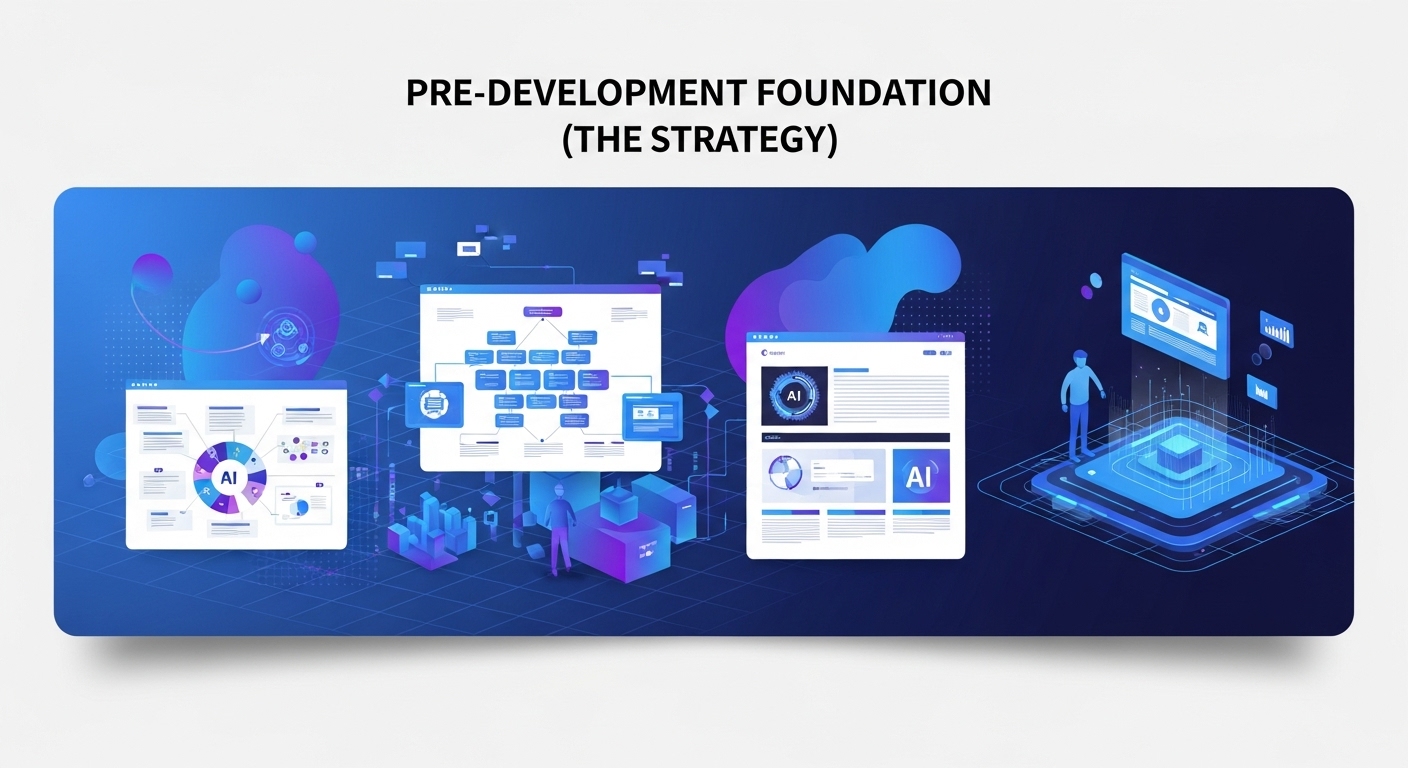
Step 1: Pre-Development Foundation (The Strategy)
AI is powerful, but it needs direction. Before you even open a builder, you must define your goals.
-
Define Your Purpose: Is this an e-commerce site, a portfolio, a blog, or a business homepage? Your purpose dictates the entire structure.
-
Identify Your Target Audience: Who are you building this for? Understanding their demographics and preferences will guide the AI’s design choices.
-
Choose Your Domain Name: This is your digital address. Make it memorable, brandable, and easy to spell. Use AI domain generators (like Namecheap’s AI tool) for creative suggestions based on keywords.
-
Select a Web Hosting Provider: Your website needs to live somewhere. Many AI website builders (like Wix ADI, Hostinger AI, or Divi AI) include hosting in their plans, simplifying the process.
Step 2: Choosing the Right AI Website Builder
The core of your project is the platform. Here are the top contenders in 2025:
-
10Web AI Website Builder: This is a powerhouse. You simply provide the URL of a website you admire, and its AI clones the style and layout, but with your unique content. It’s incredibly fast and built on a robust WordPress/Elementor foundation.
-
Hostinger AI Website Builder: Known for its affordability and simplicity, Hostinger’s AI asks you a few questions about your business and generates a complete, multi-page website in minutes. It includes AI-powered SEO and heatmap tools.
-
Wix ADI (Artificial Design Intelligence): A veteran in the space, Wix ADI creates a personalized draft website based on your answers about style and functionality. You then have full creative control to edit every element.
-
Divi AI: For those who prefer WordPress, Divi AI is a game-changer. It integrates directly with the Divi Visual Builder, allowing you to generate text, images, and even code with voice commands. It’s perfect for refining and elevating an existing site.
-
Bookmark AiDA: AiDA (Artificial Intelligence Design Assistant) learns about your business and designs a unique website for you, which it continues to optimize based on visitor behavior.
For this guide, we will use a generic AI builder process that applies to most platforms.

Step 3: The AI-Powered Setup Processs
-
Sign Up and Onboarding: Create an account on your chosen platform. You’ll be greeted by an onboarding wizard.
-
The AI Questionnaire: The AI will ask you a series of questions. Be specific!
-
“What is the name of your business or website?” (e.g., “Mehru Blogs”)
-
“What kind of website are you building?” (Select “Blog” or “Professional Blog”)
-
“What are your main goals?” (e.g., “Share knowledge,” “Build an audience”)
-
“Describe your style in a few words.” (e.g., “Modern, clean, minimalist, professional”)
-
-
AI Generation: Click “Generate.” Watch as the AI assembles a complete homepage and often several inner pages (About, Contact, Services) in seconds.

Step 4: Customizing Your AI-Generated Design
Now, make it yours. The AI provides a draft, not a final product.
-
Review the Layout: Navigate through the generated pages. Does the flow make sense?
-
Edit Text and Content: This is crucial. While the AI provides placeholder text, you must replace it with your authentic, high-quality content. This is where your expertise (E-E-A-T) shines.
-
Customize the Design: Use the built-in drag-and-drop editor to:
-
Change colors to match your brand.
-
Upload your logo (you can even use an AI logo maker!).
-
Swap out stock AI images for your own high-quality photos.
-
Adjust fonts and spacing for better readability.
-
Step 5: Creating & Optimizing Content with AI
Content is king, and AI is your chief advisor. Use AI writing tools (like ChatGPT, Claude, or Jasper) to assist, not replace, your writing process.
-
Blog Post Ideation: Prompt: “Generate 10 blog post ideas for a website about sustainable gardening for beginners.”
-
Outline Creation: Prompt: “Create a detailed outline for a blog post titled ’10 Easy-to-Grow Vegetables for Your First Garden’.”
-
Drafting Assistance: Use AI to overcome writer’s block. Prompt: “Write an engaging introduction for the outlined blog post.”
-
Crucial Note on E-E-A-T: Always heavily edit and fact-check AI-generated text. Infuse it with your personal experiences, opinions, and unique voice. Google rewards content that demonstrates Experience, Expertise, Authoritativeness, and Trustworthiness. Pure, unedited AI content does not fulfill these criteria and can harm your ranking.
Step 6: Advanced AI SEO Optimization
A beautiful site is useless if no one can find it. This is where AI becomes your SEO powerhouse.
-
On-Page SEO Analysis: Most AI builders have built-in SEO checkers. They will analyze each page and suggest improvements for:
-
Meta Titles and Descriptions: The AI can generate multiple options for you to choose from.
-
Headings (H1, H2, H3): Ensuring a proper hierarchy for both users and search engines.
-
Image Alt Text: AI can automatically generate descriptive alt text for your images, crucial for accessibility and SEO.
-
Keyword Density: Gently suggesting where to naturally include focus keywords.
-
-
Semantic SEO: Advanced AI tools can analyze top-ranking content and suggest related keywords and topics to cover, helping you create more comprehensive, authoritative content that answers all of a user’s questions.
Step 7: Adding Essential Functionalities
AI can help you add advanced features without code.
-
Contact Forms: Builders have built-in form creators. AI can help you write clear, compelling microcopy for the form fields.
-
E-commerce: Platforms like Shopify also use AI. You can describe a product, and AI can help generate compelling product descriptions and even marketing emails.
-
App Integrations: Connect your email marketing software (Mailchimp), social media feeds, and analytics (Google Analytics) with a few clicks. AI can often suggest the most useful apps for your industry.
Step 8: Pre-Launch Checklist
Before you hit “Publish,” run through this list:
-
Mobile Responsiveness Test: Use the builder’s preview mode to check how your site looks on phone, tablet, and desktop. AI builders typically handle this well, but always double-check.
-
Test Site Speed: Use Google’s PageSpeed Insights. AI builders generally produce optimized code, but large images can still slow you down. Use AI image compressors if needed.
-
Proofread Everything: Read every word. Typos hurt credibility.
-
Check All Links: Ensure your menu navigation and buttons work correctly.

**Step 9: Launch Your Website!
It’s time. Connect your domain name (purchased in Step 1) to your AI builder platform. The process is usually straightforward within the platform’s dashboard. Once connected, click “Publish.” Your website is now live on the internet!
Step 10: Post-Launch: Maintenance and AI Analytics
Your job isn’t over. A website is a living entity.
-
Analyze Performance: Use Google Analytics and Google Search Console. These tools are now heavily integrated with AI to provide insights.
-
AI-Powered Insights: Google Analytics can automatically highlight trending content, suggest audience segments, and predict future traffic patterns.
-
-
Update Content Regularly: Google favors fresh content. Use your AI ideation tools to keep a constant pipeline of new blog post ideas.
-
Iterate and Improve: Use the data from your analytics. Is a particular page not converting? Use A/B testing tools (many with AI features) to test different headlines or images and see what performs best.

The Future is Now: Embrace AI Web Development
Building a website with AI in 2025 is no longer a futuristic concept—it’s the standard. It democratizes web development, putting powerful tools into the hands of creators, business owners, and visionaries. By following this step-by-step guide, you leverage AI to handle the complex technical tasks while you focus on what truly matters: sharing your unique value with the world.
Remember, the AI is your assistant, not your replacement. Your human creativity, expertise, and strategic thinking are the irreplaceable elements that will make your website truly successful.
Ready to start your journey? Explore the possibilities and begin building your online presence today.
About Mehru Blogs
At Mehru Blogs, we are passionate about empowering individuals and businesses with the latest knowledge in technology, digital marketing, and AI. Our goal is to provide clear, actionable guides that help you navigate the digital world with confidence.
Contact: mehrublogs@gmail.com
Follow us for more tips and insights:
-
Facebook: https://www.facebook.com/MehruBlogs/
-
Instagram: https://www.instagram.com/Mehrublogs.com_/
-
Pinterest: https://www.pinterest.com/mehrublogs/
-
How to Build a Website with AI in 2025: A Zero-Code Guide
-
The Ultimate Step-by-Step Guide to Using an AI Website Builder
-
How I Built My Professional Portfolio Website in 1 Hour Using AI
-
A Beginner’s Guide to No-Code AI Development for Websites
-
How to Leverage AI for SEO During the Website Building Process
-
How to Choose the Right AI Website Builder for Your Business
-
From Idea to Launch: How to Build a Website with AI for Free
-
How to Design a Stunning Website with Automated Web Design Tools
-
How to Optimize Your AI-Built Website for Maximum Google Ranking
-
How to Add E-Commerce to Your Site with an AI Website Builder
-
10 Best AI Website Builders to Watch in 2025
-
7 Ways an AI Website Builder Saves You Time and Money
-
5 No-Code AI Development Trends Dominating 2025
-
8 Essential Features to Look for in an AI Website Builder
-
10 Mistakes to Avoid When You Build a Website with AI
-
7 Powerful AI for SEO Tools to Integrate with Your New Website
-
Why 2025 is the Year to Build Your Website with AI
-
Stop Coding, Start Creating: The Benefits of No-Code AI Development
-
The Unbeatable Advantage of Using AI for SEO from Day One
-
How Automated Web Design 2025 is Changing the Game for Entrepreneurs
-
Why an AI Website Builder is the Best Investment for Small Businesses
-
Get Online Faster: The Speed of Building a Website with AI
-
AI Website Builder Showdown: Top Platforms Compared for 2025
-
Wix ADI vs. 10Web AI: Which Builder is Best for Your Needs?
-
Are AI-Built Websites Really Good for SEO? A Data-Driven Look
-
Beyond Templates: How Automated Web Design Truly Works
-
Review: Testing the Limits of a Popular No-Code AI Development Platform
-
Can You Really Build a Website with AI? (The Honest Truth)
-
Is an AI Website Builder Right for Your Business Type?
-
What Exactly is No-Code AI Development and Do You Need It?
-
Worried About SEO? How to Optimize an AI-Generated Website
-
Does Automated Web Design Mean Every Website Will Look the Same?
-
The Future of Web Dev: Exploring No-Code AI Development
-
Automated Web Design 2025: What’s New and What’s Next?
-
AI for SEO: How Machine Learning is Shaping Search Rankings
-
Beyond the Hype: The Long-Term Value of an AI Website Builder
-
How AI is Democratizing Web Development for Everyone
-
Tired of Complex Code? Solve It by Learning How to Build a Website with AI.
-
Struggling with Web Design? Let Automated Web Design Do the Heavy Lifting.
-
On a Tight Budget? An AI Website Builder is Your Answer.
-
Need a Website ASAP? How to Build and Launch in a Day with AI.
-
Bad at SEO? Use Built-in AI for SEO Tools to Get It Right.
